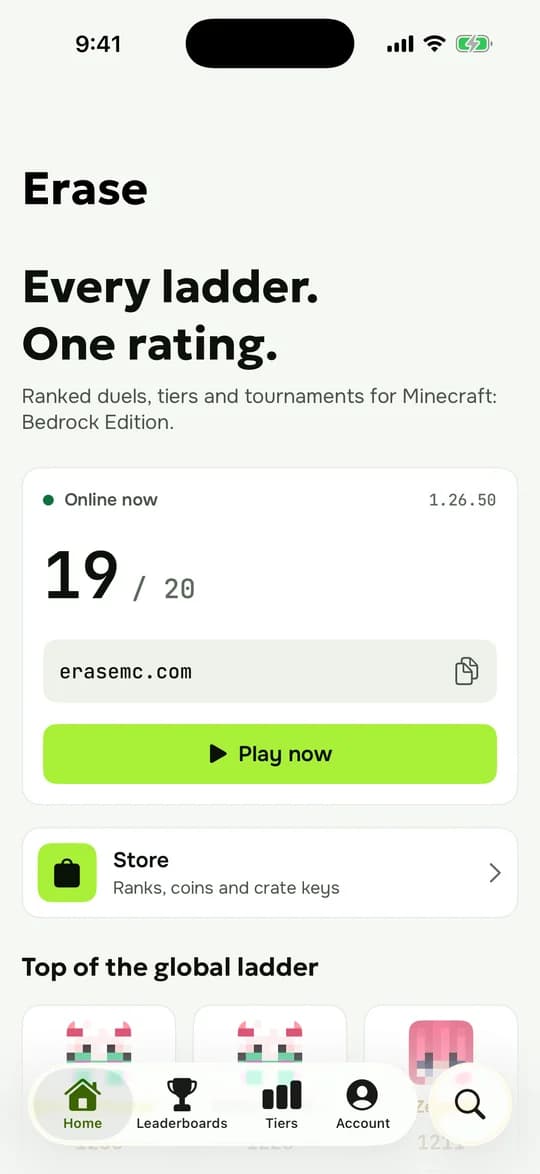
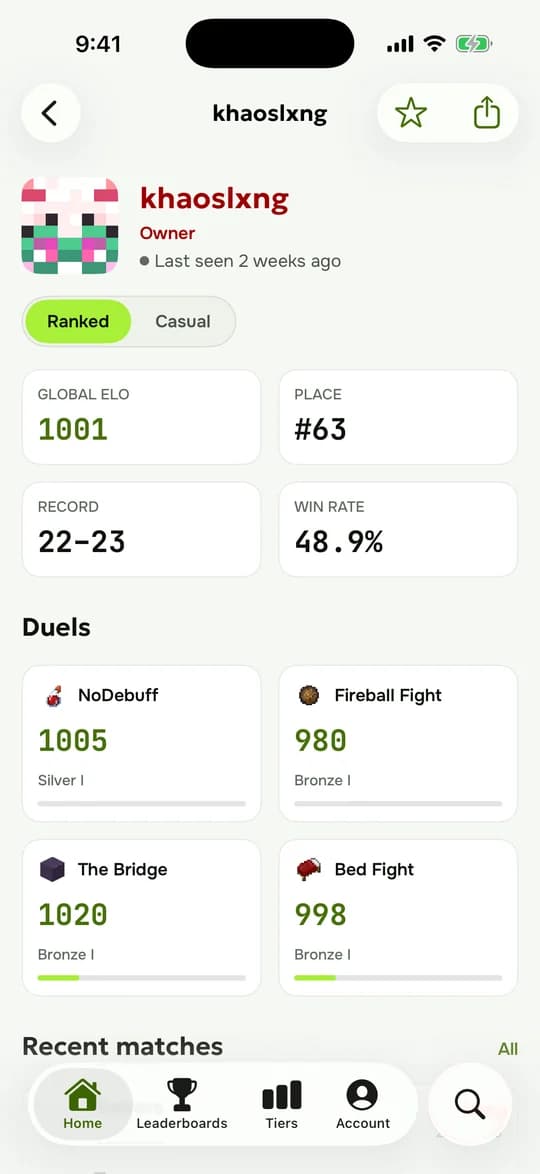

On the iPhone, without a computer
- Install ESign. It is not in the App Store: take it from a source you trust and skip sites that ask for extra profiles.
- In ESign open Files, tap Import and paste this link:
https://erasemc.com/downloads/Erase.ipa - Open the imported Erase.ipa, choose Sign with the certificate ESign offers, then Install.
- Open Settings, General, VPN & Device Management and trust the Erase developer. On iOS 18 tap Allow & Restart if asked.
Apple revokes shared certificates from time to time. If Erase stops opening, sign and install it again in ESign.