Skip to content
erase
LeaderboardsClubsTiersStoreLauncherAppSupport
Log in
erase

Practice server for Minecraft: Bedrock Edition. Ranked duels, tiers and clubs.

DiscordTelegramTikTok

Play

ModesLauncherAppHow to join

Ratings

LeaderboardsTiersClubsNews

Project

StoreRulesJoin the team

Support

FAQDiscord ticketTelegram: @erasesupport
Play
ModesLauncherAppHow to join
Ratings
LeaderboardsTiersClubsNews
Project
StoreRulesJoin the team
Support
FAQDiscord ticketTelegram: @erasesupport
© 2026 Essential Team. Not affiliated with Mojang or Microsoft.erasemc.com:19132
Windows 10 and 11 · x64

Erase Launcher

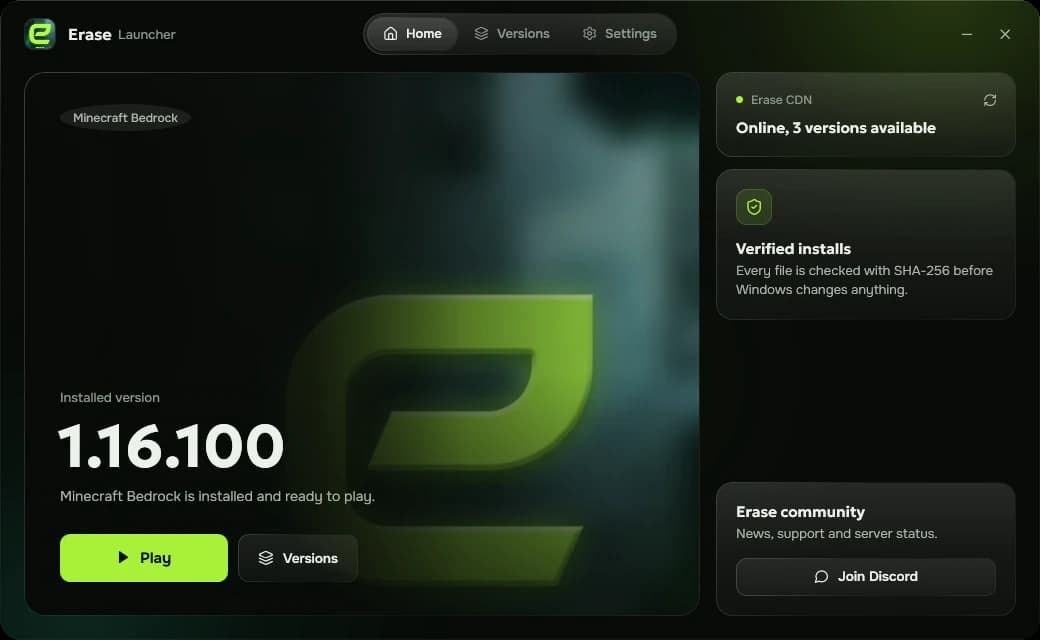
Installs the Minecraft Bedrock builds Erase is played on, checks every file before Windows touches it and starts the game in one click.
Download for WindowsGitHubAll releases

Version 0.2.0 · 75 MB · Windows 10 and 11, x64

Erase Launcher home screen with the installed version and a Play button

Versions

Every build comes from the Erase CDN and is verified before it is installed.

  • 1.16.100

    The classic build for PvP. Installed with the Erase package certificate.

  • 1.18.12

    A light 1.18 build. Installed with the Erase package certificate.

  • 1.21.50

    A newer build signed by Microsoft, so no extra certificate is needed.

  • Soon
    1.26.52

    The current release. Needs a Minecraft licence and Xbox Gaming Services.

What it does

  • Checked before install

    Every file is compared against its SHA-256 before Windows changes anything.

  • Worlds stay put

    Worlds and packs are backed up before Minecraft is replaced and restored afterwards.

  • Reliable downloads

    A failed download is retried and moves to another mirror on its own.

  • Instant reinstall

    Verified packages are cached, so going back to a version takes seconds.

Inside the launcher
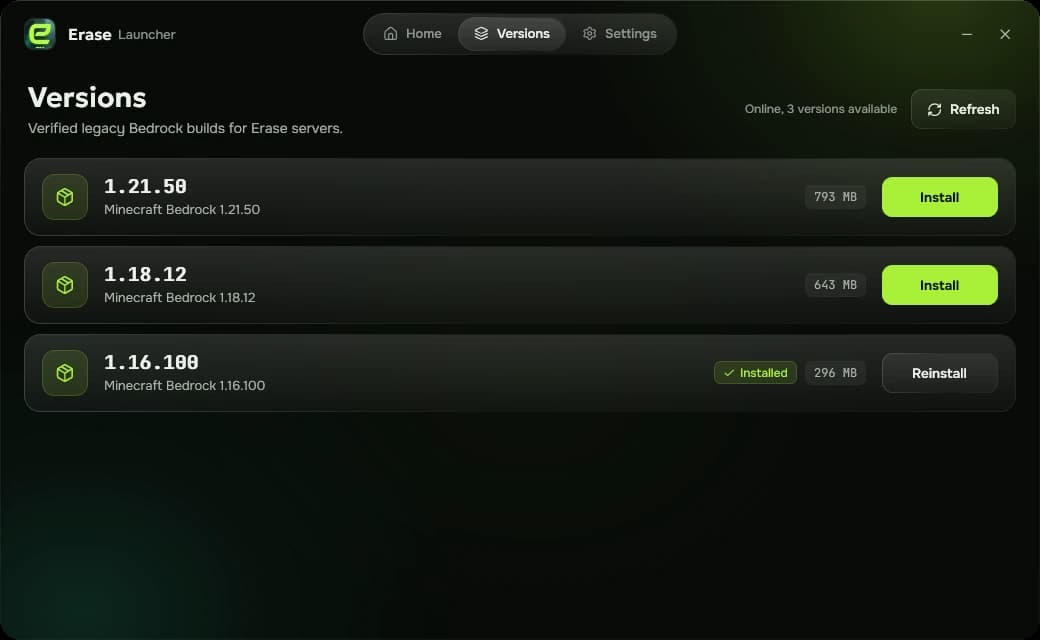
Versions tab listing 1.21.50, 1.18.12 and 1.16.100 with install buttons
Pick a build and install it.
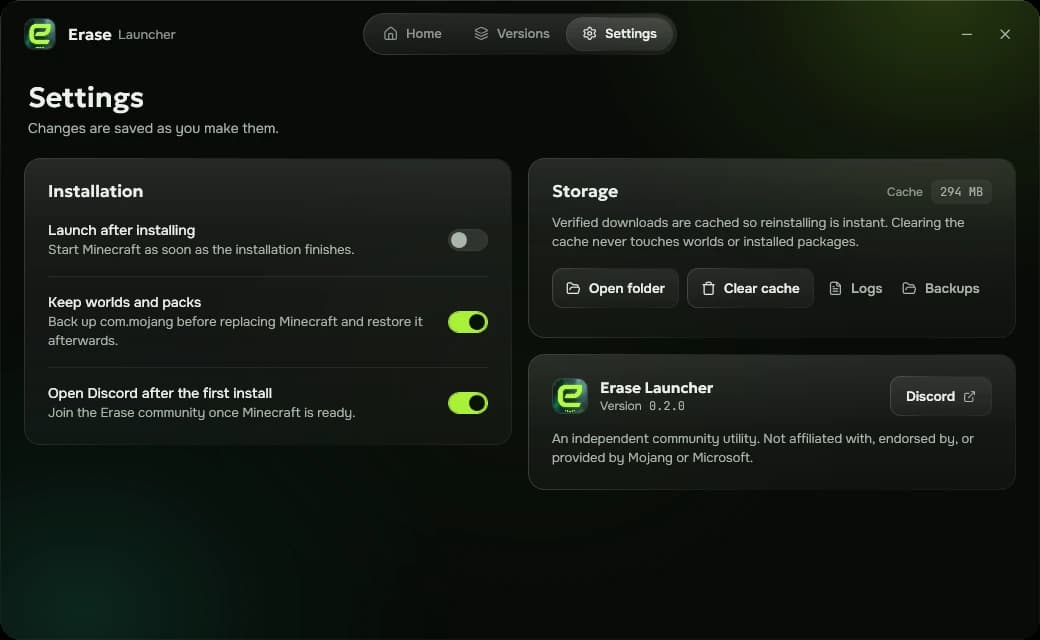
Settings tab with installation options and cache storage
Backups, cache and launch options.

How to install

  1. 1Download EraseLauncher.exe and run it. There is nothing to unpack.
  2. 2If Windows SmartScreen appears, press More info, then Run anyway.
  3. 3Open Versions, pick a build and press Install. Approve the Windows prompt once.
  4. 4Press Play and join erasemc.com:19132.

Requirements

  • Windows 10 or Windows 11, 64-bit
  • Internet access to the Erase CDN
  • One administrator approval to trust the package certificate
Download for Windows

Erase Launcher is a community utility. It is not affiliated with, endorsed by or provided by Mojang or Microsoft.